Search Burst

Find answers, guides, features and more.

    Detailed insights

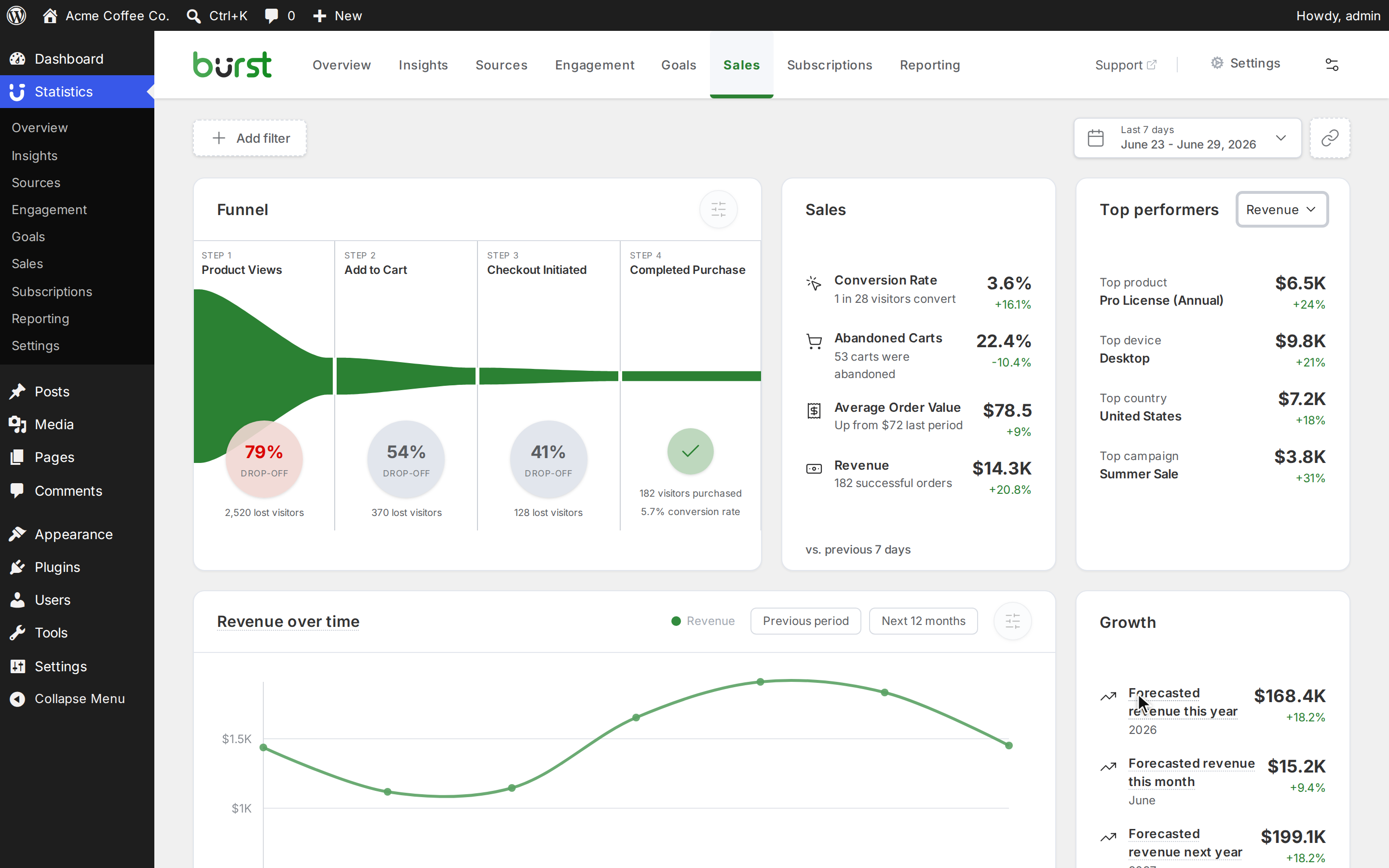
    See how your site is doing, right in WordPress

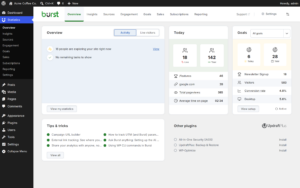
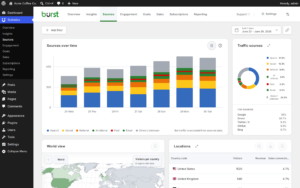
    Burst is a WordPress plugin, so your statistics live in your WordPress dashboard, next to your pages and posts. Open it to see which content works, how many people visit, which devices they use and how that changes over time.

    4.9 out of 5 stars out of 188 reviews

    View table of top performing pages and posts

    View table of top performing pages and posts

    See exactly which content works

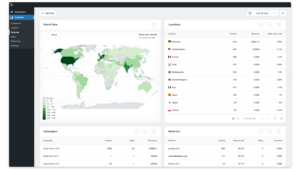
    You put a lot of effort into your pages and posts. Now you can easily see what your audience actually cares about. The top-performing pages overview shows you where your traffic goes, allowing you to double down on the content that works and fix the pages that are underperforming.

    Included in Free
    Track key metrics (Visitors, Sessions, Pageviews, Bounce Rate)

    Track key metrics (Visitors, Sessions, Pageviews, Bounce Rate)

    Track the metrics that drive growth

    Most people don’t need every number an analytics tool can measure. Burst starts with visitors, sessions, pageviews and bounce rate. They’re easy to understand and enough to see how your site is doing and when something changes.

    Included in Free
    Breakdown of visitors by device (Desktop, Tablet, Mobile)

    Breakdown of visitors by device (Desktop, Tablet, Mobile)

    Optimise for the right screens

    Are your visitors reading your blog on their phones or buying your products on a desktop monitor? The device breakdown gives you a clear percentage split. Use this data to focus your design and testing efforts on the screen sizes your audience actually uses.

    Included in Free
    Filter data by custom date ranges

    Filter data by custom date ranges

    Compare performance over time

    Growth does not happen overnight. Custom date filters let you select any timeframe to see how your traffic evolves. Check yesterday’s sudden traffic spike or compare this month to the previous month to see if your marketing efforts are paying off.

    Included in Free

    Ready to try all features for free?

    Try all Burst Pro features for 14 days! Business & Agency features are included.

    Zero-config setup takes less than 2 minutes

    Lightweight code keeps your site fast & optimised

    Clean dashboard focused on metrics that matter

    What our WordPress users are saying

    4.9 out of 5 stars out of 188 reviews

    "Love how it’s quick to setup, use and yet powerful enough to get the stats you need."

    @dinz

    "I had Google Analytics, I installed Burst stats and it gives me the stats I need without all the overhead.

    @marxgal

    "Finally, an analytics plugin I can actually explain to clients."

    @anguskeystone

    Frequently asked questions

    Do I have to wait for my statistics to update?

    No, you don’t have to wait. Burst has a real-time dashboard that updates every five seconds.

    Will my clients understand Burst?

    Burst is made to be understandable, not overwhelming and actually useful.

    We prioritise keeping things simple over tracking every metric possible, we focus on data that actually provides insight.

    Where does Burst store my data?

    All data collected by Burst stays on your own WordPress site. Unlike some other analytics tools, our business model doesn’t rely on monetizing your data.

    Does Burst slow down my website?

    No, it does not. Even with lots of data gathered it does not slow down the pagespeed for your visitors.

    Try Burst Pro free for 14 days

    Every Pro feature is on during the trial, so you see your own sales, funnels and form conversions before you pay.

    Not for you? Get your money back within 30 days.