Search Burst

Find answers, guides, features and more.

    AI & MCP

    Ask your statistics a question

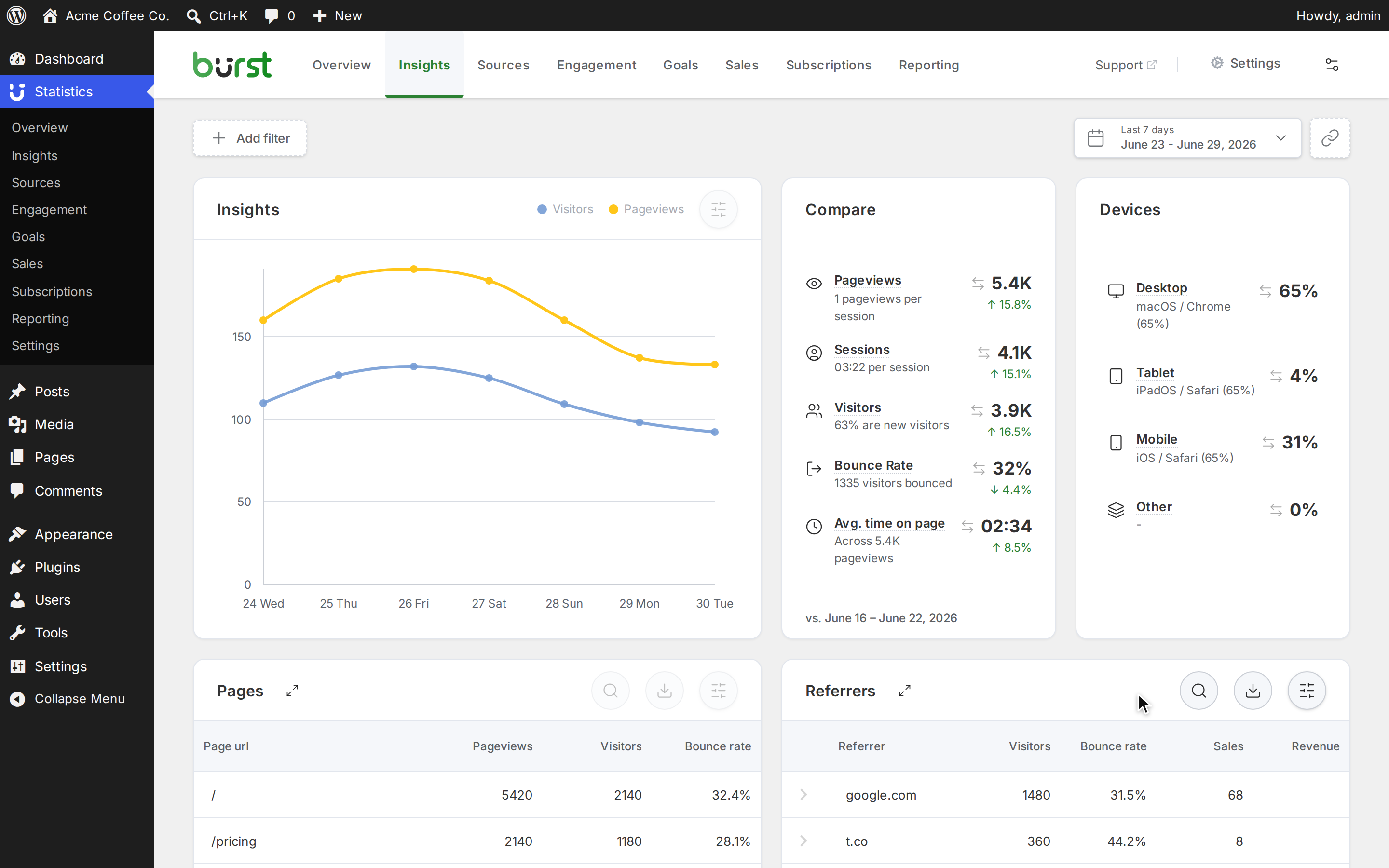
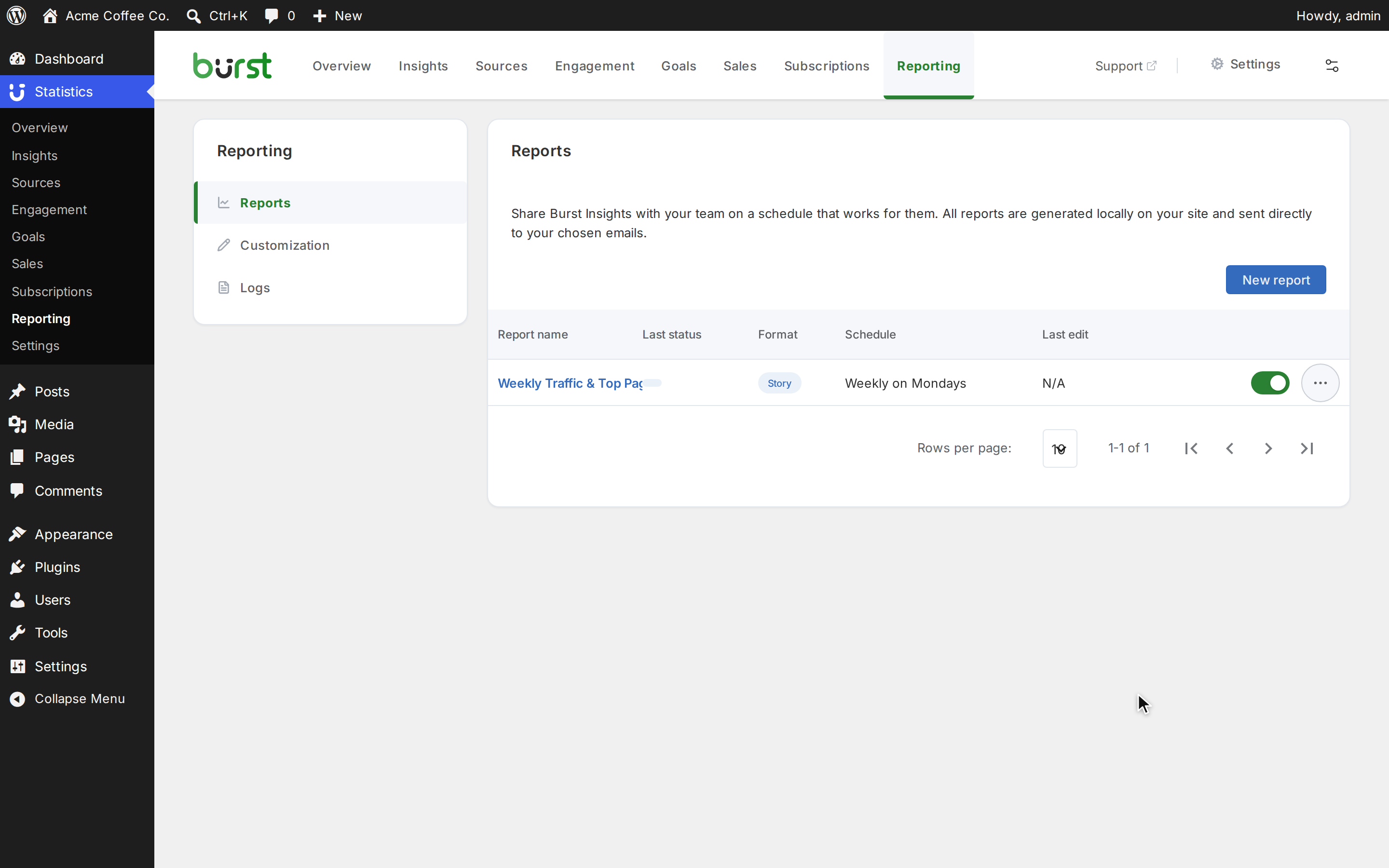
    Ask about your traffic in plain language, start reports with a short summary, or connect AI software that supports MCP. You choose the AI provider, and it can read your statistics but not change them. None of it runs until you set it up.
    4.9 out of 5 stars out of 188 reviews

    Connect AI software through MCP

    Connect Burst to AI software that supports MCP

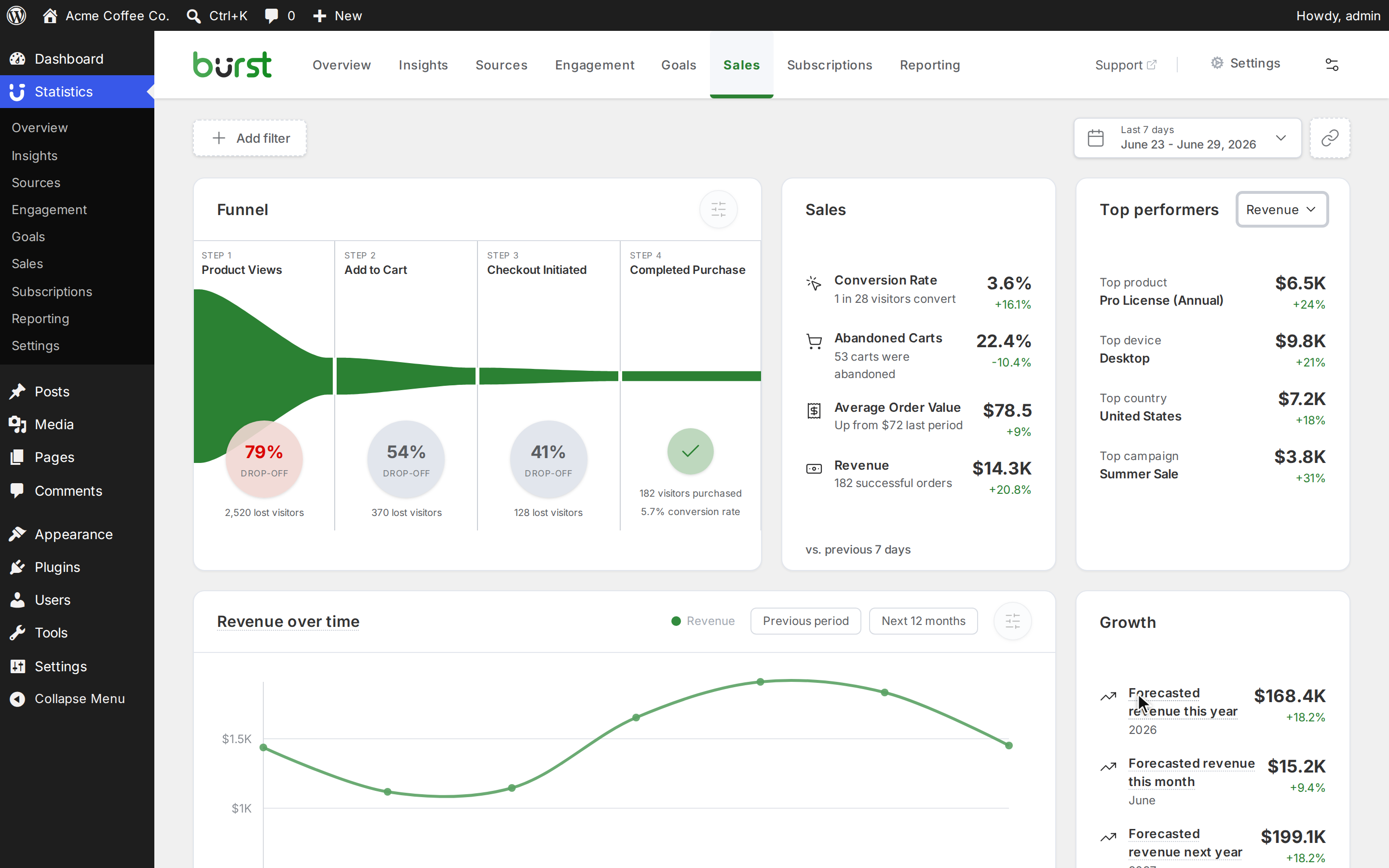
    MCP is a standard way to connect AI software to other tools. With the WordPress MCP Adapter installed and Abilities API on, connected software can read your Burst statistics. It can’t change anything. Sales and subscription data need Burst Pro.

    Included in Free

    Ask questions in an AI chat

    Ask questions about your statistics

    Burst includes an AI chat in your dashboard. Ask about your traffic in plain language and it looks up your Burst data to answer. It requires the WordPress AI plugin and a connected AI provider, and Abilities API has to be on in Burst’s settings.

    Your question and the data used to answer it go to that provider.

    Included in Free

    Add an AI summary to reports

    Start each report with a short summary

    Add the AI summary block to an email or story report and it sums up the period in a few sentences. It needs the WordPress AI plugin with a connected AI provider, and report data goes to that provider to write the summary.

    Included in Agency plan

    Ready to try all features for free?

    Try all Burst Pro features for 14 days! Business & Agency features are included.

    Zero-config setup takes less than 2 minutes

    Lightweight code keeps your site fast & optimised

    Clean dashboard focused on metrics that matter

    What our WordPress users are saying

    4.9 out of 5 stars out of 188 reviews

    "Love how it’s quick to setup, use and yet powerful enough to get the stats you need."

    @dinz

    "I had Google Analytics, I installed Burst stats and it gives me the stats I need without all the overhead.

    @marxgal

    "Finally, an analytics plugin I can actually explain to clients."

    @anguskeystone

    Frequently asked questions

    Will my clients understand Burst?

    Burst is made to be understandable, not overwhelming and actually useful.

    We prioritise keeping things simple over tracking every metric possible, we focus on data that actually provides insight.

    Where does Burst store my data?

    All data collected by Burst stays on your own WordPress site. Unlike some other analytics tools, our business model doesn’t rely on monetizing your data.

    Does Burst slow down my website?

    No, it does not. Even with lots of data gathered it does not slow down the pagespeed for your visitors.

    Try Burst Pro free for 14 days

    Every Pro feature is on during the trial, so you see your own sales, funnels and form conversions before you pay.

    Not for you? Get your money back within 30 days.